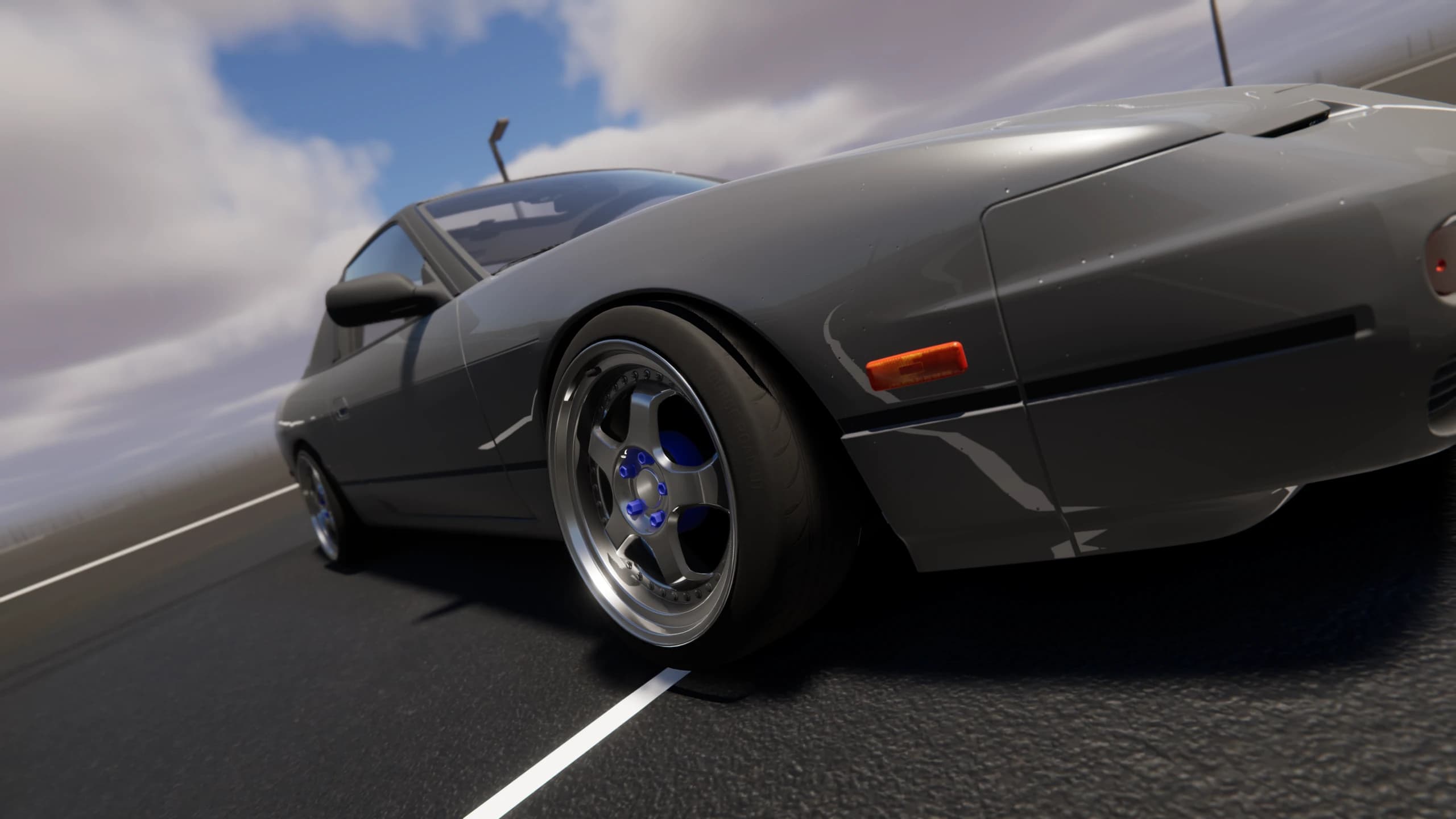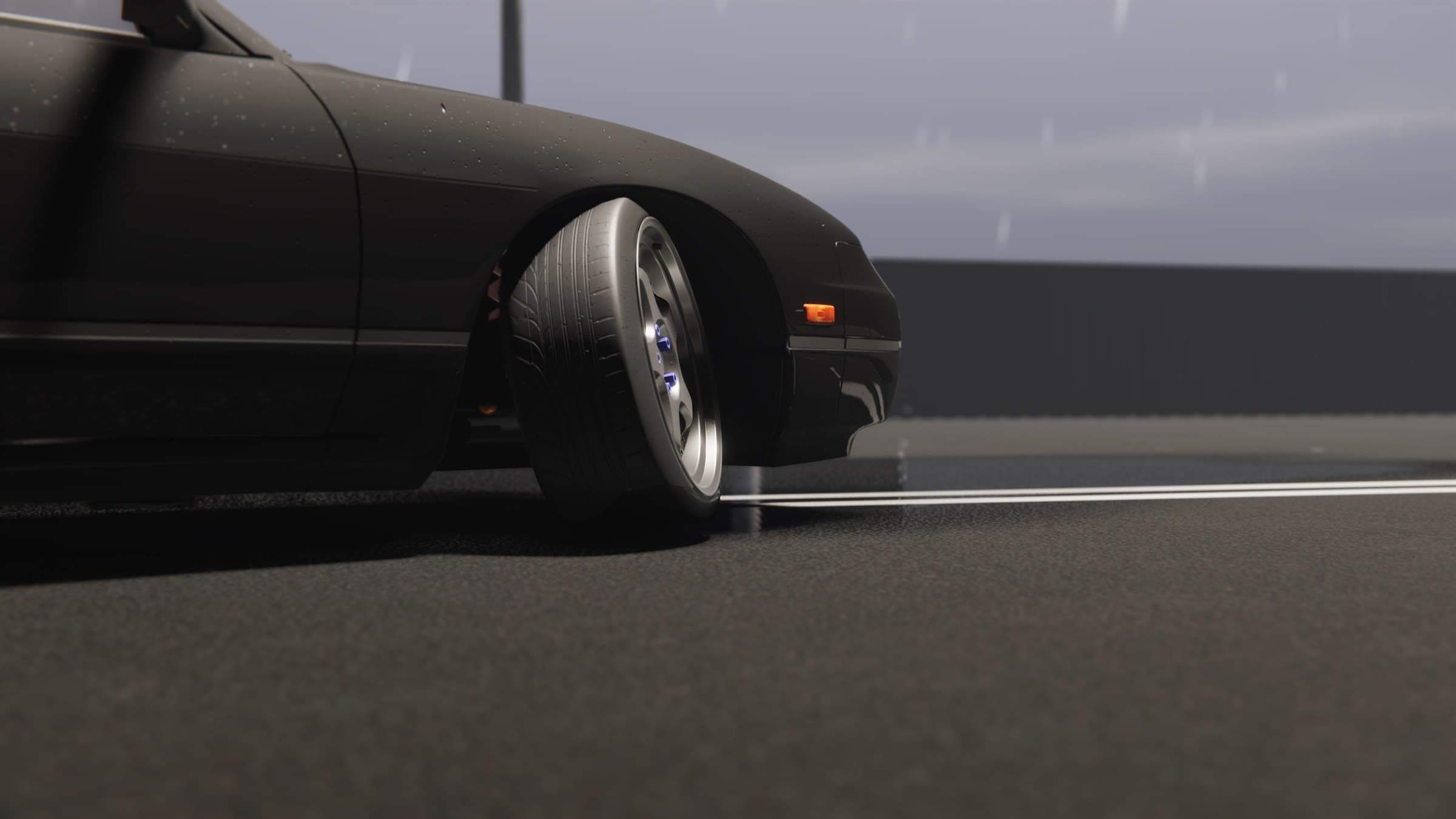
Devlog 012 / Graphics
Graphics and Optimization
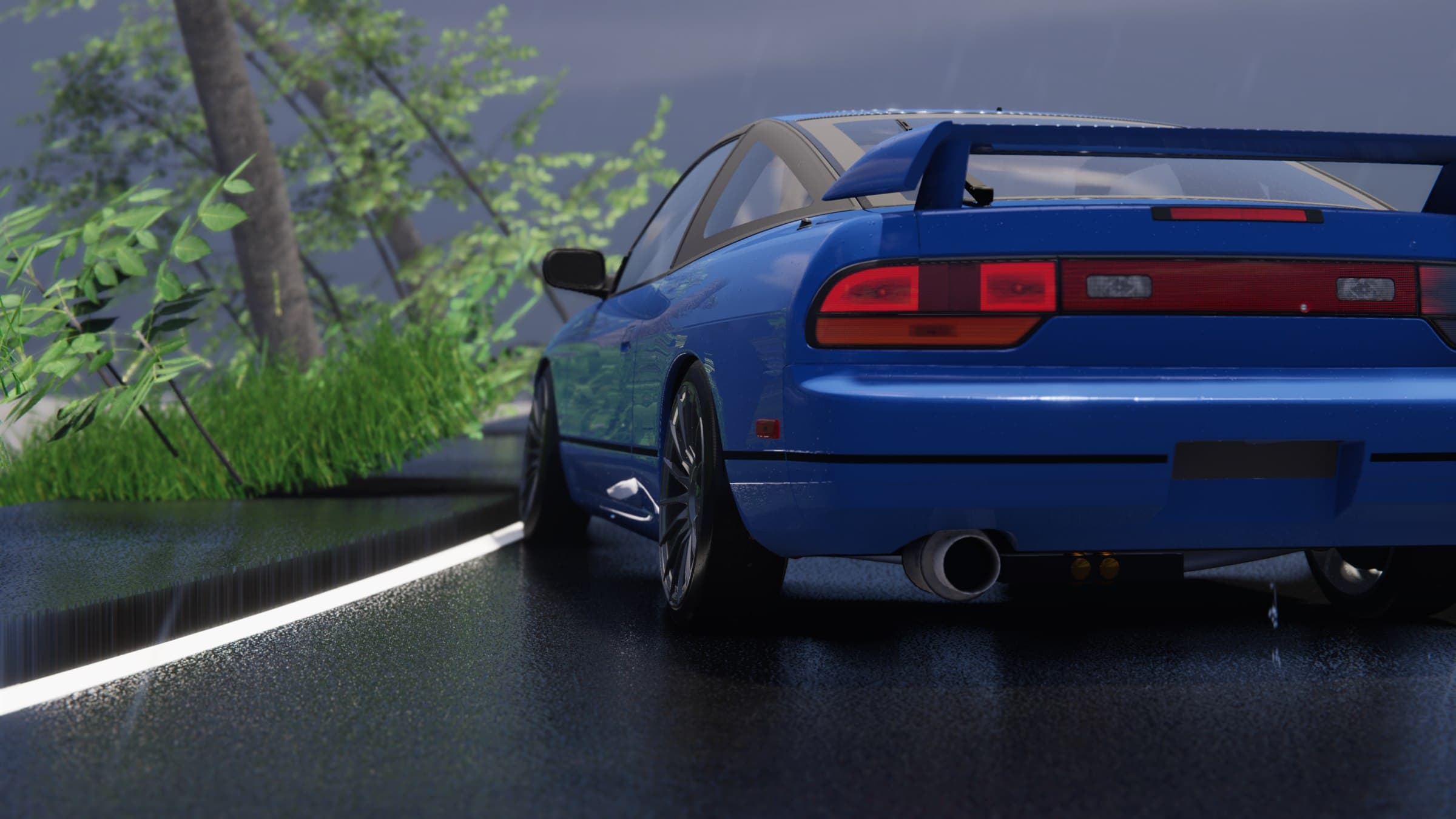
Project Tourge is designed to support both a very light graphics setup and a heavy HDRP presentation. The challenge is not only producing a detailed image. It is keeping the drive smooth while the world, cars and effects are all active.
A genuinely low graphics option
The lower presets reduce work across the entire image. Shadows cover less distance, distant objects use simpler detail, reflections become cheaper, particles are reduced and lower texture detail can be streamed when memory is limited.
Volumetric effects, post-processing and reflections can also be adjusted separately. This allows a player to keep the parts of the image they value while removing an effect that costs too much on their hardware.
The lowest setup is meant to create a real reduction in GPU and memory use. It does not reduce the steering, drivetrain or tyre simulation. Graphics settings change how the world is drawn, not how the car drives through it.
Scaling up where it matters
Higher settings extend shadows and visible detail, improve atmospheric effects and reflections, allow denser particles and keep sharper textures at a greater distance. Anti-aliasing and supported upscaling options can be selected independently where available.
Not every expensive effect needs to rise together. A player may want detailed cars but cheaper fog, or strong reflections with a shorter view distance. Separating those choices makes the presets a starting point rather than a locked package.
CPU cost and hitching
A high average frame rate can still feel poor when one frame takes much longer than the others. CPU optimization therefore focuses on consistent frame time as well as total speed.
Frequently used effects are prepared and reused instead of constantly created and destroyed. Background loading is spread out so a large texture or asset does not demand all of one frame. Repeated searches and temporary memory are reduced in systems that run continuously.
Work also needs a budget. Particles, lights and other repeated effects can remain visually active without being allowed to grow forever. Keeping their cost predictable protects the vehicle simulation and reduces sudden stutters during driving.
Measuring the result
Performance testing looks beyond the largest FPS number. Frame-time graphs and low-frame measurements help reveal the short stalls that players actually feel. CPU and GPU timing also shows whether a scene is limited by simulation, rendering or data movement.
Optimization remains ongoing as new cars, roads and effects are added. The target stays the same: make the image scalable, keep inputs responsive and protect the smoothness of the drive.
Heavy graphics should be an option. Stable control of the car is a requirement.
Development archive